



Blog
600mm Deep Server Cabinet UK: Best Equipment Uses and Buying Checklist

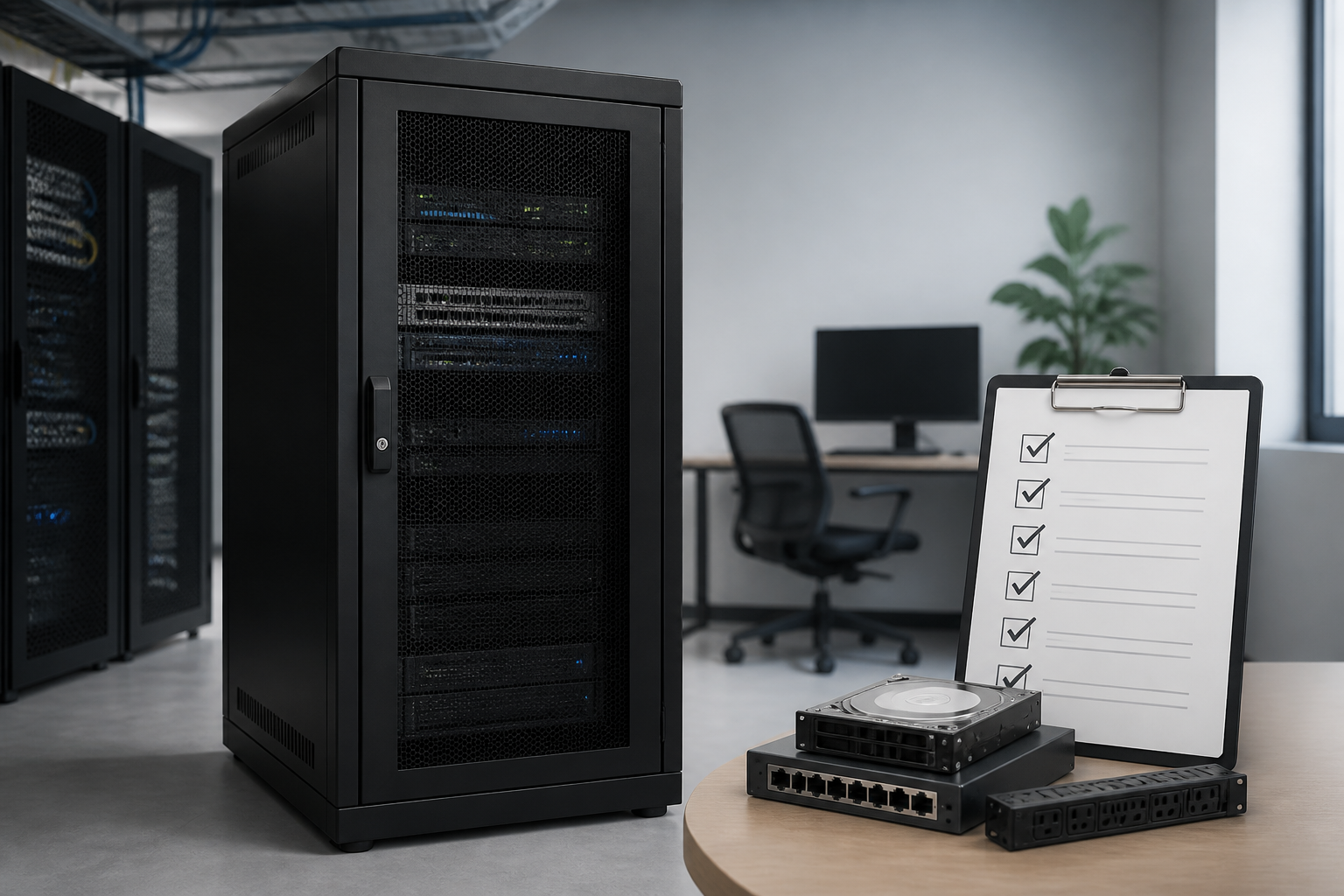
Short answer: A 600mm deep server cabinet is a practical choice for compact server rooms, offices and network installations where floor space is limited. It suits shallow servers, switches, patch panels, routers, firewalls, power distribution units and other 19-inch rack equipment, but you should verify the equipment depth, cable clearance, cabinet dimensions, ventilation and weight capacity before buying.
Choosing a cabinet by external depth alone can lead to installation problems. The usable mounting depth is normally less than the advertised cabinet depth because the frame, doors, side panels and cable space take up room. This guide explains what a 600mm cabinet can hold, when it is the right option, and which checks matter most for a reliable UK installation.
What is a 600mm deep server cabinet?
A 600mm deep server cabinet is an enclosure designed to accommodate standard 19-inch rack equipment, with an overall cabinet depth of approximately 600mm. The 19-inch measurement refers to the mounting width between the vertical rails; the 600mm measurement refers to the cabinet’s front-to-back external depth or a stated nominal depth, depending on the manufacturer.
Its usable internal depth will usually be smaller than 600mm. Front and rear rails may be adjustable, but space is still needed for doors, airflow, power connections and data cables. Always distinguish between:
- Overall depth: the external front-to-back measurement, including panels or doors where specified.
- Usable mounting depth: the distance available between the front and rear rack rails.
- Equipment depth: the physical depth of the device, which may exclude plugs, handles and cable bend radius.
- Clearance depth: the extra space required behind or in front of equipment for safe cabling and ventilation.
This distinction is particularly important with servers. A device advertised as 500mm deep may not be a comfortable fit in a cabinet with only slightly more than 500mm of usable depth once power leads and network cables are connected.
Best equipment uses for a 600mm deep server cabinet
Network switches and patch panels
Network switches, patch panels, fibre enclosures and cable management panels are among the most suitable devices for a 600mm deep server cabinet. Many are relatively shallow and can be installed with useful space behind the rails for patch leads and power cables. A cabinet can also keep active network equipment, patching and power distribution together in a tidy location.
Routers, firewalls and security appliances
Routers, firewalls, VPN appliances and similar devices commonly have compact rack designs. Before installation, check whether the supplied rack ears support front mounting only or require rear support. Confirm that the equipment’s ventilation pattern is compatible with the cabinet and that adjacent devices will not block intake or exhaust vents.
Short-depth or compact servers
A 600mm deep server cabinet can accommodate some short-depth servers and compact storage appliances. It is not automatically suitable for every 1U, 2U or 4U server. Server chassis vary considerably, and their cable connectors, sliding rails and rear power supplies can require more space than the chassis depth suggests.
For servers, check the manufacturer’s installation drawing rather than relying on the product name. Pay attention to rail kit length, rear clearance, cable arms, power inlet position and the direction of airflow. If the equipment is close to the cabinet’s maximum mounting depth, a deeper cabinet may be the safer long-term choice.
Power distribution and small UPS systems
Rack-mounted PDUs, power strips and compact uninterruptible power supplies can often be used in this cabinet size. A UPS may be heavy, so check the static load rating and whether the cabinet includes shelves, support rails or a suitable mounting method. Do not rest heavy equipment on patch panels or unsupported cabinet surfaces.
Audio-visual and edge computing equipment
Some AV processors, control units, media servers and edge-computing devices use the standard 19-inch format. A 600mm enclosure can be useful in meeting rooms, retail sites, classrooms and branch offices where a full-depth data-centre rack would be excessive. Confirm noise, heat output and access requirements before placing active equipment in a small enclosed space.
When a 600mm cabinet may not be suitable
A shallow cabinet is not the best option when the installation includes deep enterprise servers, large storage arrays, extended-depth UPS systems or equipment with bulky rear cable assemblies. It may also be unsuitable if you need extensive cable slack, rear service access or a future expansion path.
Consider a deeper cabinet when:
- Any device exceeds the cabinet’s usable mounting depth.
- Server rail kits require significant rear clearance.
- Power connectors or fibre cables need a generous bend radius.
- High-density equipment produces substantial heat.
- You expect to add deeper equipment later.
- Technicians need to work comfortably at the rear of the rack.
It is generally better to allow practical clearance than to select a cabinet that only works on paper. A slightly deeper enclosure can reduce installation risk and make maintenance easier.
600mm deep server cabinet buying checklist
1. Confirm the rack format and usable depth
Check that the cabinet uses standard 19-inch rack spacing and identify its total rack capacity in U, or rack units. Common compact cabinets may be suitable for small installations, while taller floor-standing models provide room for switches, patch panels, power and future additions.
Ask the supplier for a dimensional drawing showing the front-to-rear rail adjustment range. Do not treat the advertised 600mm external depth as the guaranteed equipment depth. Measure your largest device, including rails, handles and connectors, then allow room for cable management and airflow.
2. Check weight capacity
Review both the total static load rating and the rating of individual shelves or support accessories. The combined weight of servers, UPS units, batteries, switches and accessories can be substantial. Place heavier equipment low in a floor-standing cabinet to improve stability.
If the cabinet will be mounted on a wall, verify the cabinet’s wall-mount rating and the strength of the wall and fixings. The wall must support the cabinet, equipment and any dynamic load created during installation or servicing.
3. Evaluate airflow and ventilation
Ventilation is essential in a small enclosure. Look for perforated front and rear doors, ventilated side panels or provisions for fan kits, depending on the equipment’s airflow requirements. Equipment should not be installed with its air intake pressed against a solid panel.
Identify the airflow direction of every active device. Most IT equipment draws air through the front or side and exhausts it at the rear, but this is not universal. Arrange equipment consistently where possible, keep blanking panels over unused rack spaces, and avoid bundling cables across vents.
4. Review door, panel and access options
A lockable front door helps restrict casual access, while removable side panels and a rear door can make installation and maintenance easier. Check whether the doors can be reversed, how far they open and whether the cabinet can be positioned close to a wall without preventing service access.
For confined offices, a cabinet with removable panels may be easier to load than a fully assembled enclosure. If equipment will be changed regularly, tool-less access and captive fixings can save time during maintenance.
5. Plan cable entry and management
Look for top, bottom or rear cable-entry points that match the installation route. Brush strips, gland plates and removable cable-entry panels can help reduce dust ingress while keeping cables organised. Vertical and horizontal cable managers are especially useful when several patch leads are installed in a compact cabinet.
Leave enough bend radius for copper and fibre cabling. Avoid sharp bends, excessive pulling force and tightly compressed cable bundles. A cabinet should support orderly routing rather than forcing cables into the remaining space behind equipment.
6. Consider power distribution
A rack PDU can simplify power distribution, but check its mounting orientation, plug layout and available socket types. Plan the location of power supplies so they do not obstruct data cabling or ventilation. Separate power and data cables where practical, particularly in installations with many connections.
If resilience is required, determine whether the equipment needs dual power feeds and whether the cabinet can accommodate two PDUs. A 600mm cabinet may have less room for redundant power hardware than a full-depth data-centre rack.
7. Check security and compliance needs
Choose a lockable cabinet if it will be installed in a shared office, reception area, retail environment or other accessible location. Consider the security of side panels, rear doors and cable-entry points, not just the front door.
Product documentation should state relevant construction details, earthing arrangements and load information. Where the cabinet forms part of a commercial electrical or communications installation, ensure the final installation follows applicable UK regulations, site procedures and manufacturer instructions. A qualified installer should assess electrical safety and structural fixing requirements.
Wall-mounted or floor-standing 600mm cabinet?
A wall-mounted cabinet can save floor space and work well for patch panels, switches and small network appliances. It is best installed where the wall structure and fixings can safely support the fully loaded cabinet. Leave clearance for the door to open and for technicians to route cables.
A floor-standing cabinet is usually more flexible for heavier equipment, larger UPS units and future expansion. It can offer better rear access and more usable space for cable management. Castors and adjustable feet may help with positioning, but the cabinet should be level and secured according to the manufacturer’s instructions.
| Requirement | Wall-mounted cabinet | Floor-standing cabinet |
|---|---|---|
| Best for | Switches, patch panels and compact appliances | Mixed equipment, servers and expansion |
| Floor-space saving | Excellent | Limited |
| Heavy equipment | Requires careful wall and load assessment | Generally more practical |
| Rear access | Depends on swing or removable design | Often easier to provide |
Installation tips for a 600mm deep server cabinet
- Measure first: record equipment depth, rack height, weight and connector positions before delivery.
- Check the route: measure doors, lifts, corridors and the final installation area.
- Install heavy items low: place UPS units and dense equipment near the bottom where possible.
- Use support accessories: fit shelves or rear rails for equipment that is not designed to hang from front mounting ears alone.
- Label both ends: identify power, copper and fibre connections before the cabinet becomes crowded.
- Keep spare U available: reserve space for ventilation, blanking panels and future equipment.
- Test airflow and power: check temperatures, fan operation, cable strain and circuit loading after commissioning.
Practical rule: select a cabinet based on the deepest complete installation assembly, not the shortest chassis measurement. Include rails, connectors, cable bend radius and maintenance access.
Key takeaways
- A 600mm deep server cabinet is well suited to compact 19-inch network and IT equipment.
- External depth is not the same as usable mounting depth.
- Short-depth servers may fit, but rail kits and rear cabling must be checked carefully.
- Ventilation, load rating, cable entry and access are as important as rack height.
- Choose a deeper cabinet when equipment, heat output or future expansion makes the fit uncertain.
Frequently asked questions
What equipment fits in a 600mm deep server cabinet?
Many network switches, patch panels, routers, firewalls, rack PDUs, compact UPS units and short-depth servers can fit. Confirm the usable rail depth and include space for rails, connectors, airflow and cable bend radius before installation.
Is a 600mm cabinet deep enough for a standard server?
It depends on the server model. Rack height and 19-inch width do not determine front-to-back depth. Check the server chassis, rail kit, cable arm and rear clearance against the cabinet’s internal mounting dimensions.
What is the difference between cabinet depth and usable depth?
Cabinet depth is the external front-to-back measurement or nominal product size. Usable depth is the space available between the rack rails for equipment. Doors, frames and cable clearance reduce the space available for a device.
Should I choose a wall-mounted or floor-standing cabinet?
Choose wall-mounted for lighter network equipment and where floor space is limited, provided the wall and fixings can support the load. Choose floor-standing for heavier equipment, larger UPS systems, easier expansion or better rear access.
How much spare space should I leave in the cabinet?
Leave enough rack space for ventilation, blanking panels, cable management and planned additions. The exact allowance depends on the equipment and site, but a cabinet that is completely full can be harder to cool, cable and maintain.
Does a 600mm deep server cabinet need fans?
Not always. Passive ventilation may be adequate for low-heat equipment, while high-density or enclosed installations may require fan-assisted airflow. Follow the equipment manufacturers’ temperature requirements and monitor the cabinet after commissioning.
{“@context”:”https://schema.org”,”@type”:”FAQPage”,”mainEntity”:[{“@type”:”Question”,”name”:”What equipment fits in a 600mm deep server cabinet?”,”acceptedAnswer”:{“@type”:”Answer”,”text”:”Many network switches, patch panels, routers, firewalls, rack PDUs, compact UPS units and short-depth servers can fit. Confirm the usable rail depth and include space for rails, connectors, airflow and cable bend radius before installation.”}},{“@type”:”Question”,”name”:”Is a 600mm cabinet deep enough for a standard server?”,”acceptedAnswer”:{“@type”:”Answer”,”text”:”It depends on the server model. Rack height and 19-inch width do not determine front-to-back depth. Check the server chassis, rail kit, cable arm and rear clearance against the cabinet’s internal mounting dimensions.”}},{“@type”:”Question”,”name”:”What is the difference between cabinet depth and usable depth?”,”acceptedAnswer”:{“@type”:”Answer”,”text”:”Cabinet depth is the external front-to-back measurement or nominal product size. Usable depth is the space available between the rack rails for equipment. Doors, frames and cable clearance reduce the space available for a device.”}},{“@type”:”Question”,”name”:”Should I choose a wall-mounted or floor-standing cabinet?”,”acceptedAnswer”:{“@type”:”Answer”,”text”:”Choose wall-mounted for lighter network equipment and where floor space is limited, provided the wall and fixings can support the load. Choose floor-standing for heavier equipment, larger UPS systems, easier expansion or better rear access.”}},{“@type”:”Question”,”name”:”How much spare space should I leave in the cabinet?”,”acceptedAnswer”:{“@type”:”Answer”,”text”:”Leave enough rack space for ventilation, blanking panels, cable management and planned additions. The exact allowance depends on the equipment and site, but a cabinet that is completely full can be harder to cool, cable and maintain.”}},{“@type”:”Question”,”name”:”Does a 600mm deep server cabinet need fans?”,”acceptedAnswer”:{“@type”:”Answer”,”text”:”Not always. Passive ventilation may be adequate for low-heat equipment, while high-density or enclosed installations may require fan-assisted airflow. Follow the equipment manufacturers’ temperature requirements and monitor the cabinet after commissioning.”}}]}
2 thoughts on “600mm Deep Server Cabinet UK: Best Equipment Uses and Buying Checklist”
Comments are closed.