Knowledge centre
From dimensions to airflow.
Practical guidance, worked examples and checklists for a cabinet that fits today and remains usable tomorrow.
A server cabinet is not an everyday purchase. This knowledge centre explains not only what terms such as U, mounting depth and load capacity mean, but also how to calculate and verify them for your installation. Start with a complete equipment list, then measure the cabinet location and delivery route.
1. Which server, network or wall-mounted cabinet suits me?
The product name is only a starting point. A server cabinet is generally deeper and has more perforated area for heat-producing equipment; a network cabinet is often designed around patch panels, switches and lighter network hardware. The decisive factors are always rack height, usable depth, load, airflow and installation location.
| Cabinet type | Often suitable for | Installation | Check carefully |
|---|---|---|---|
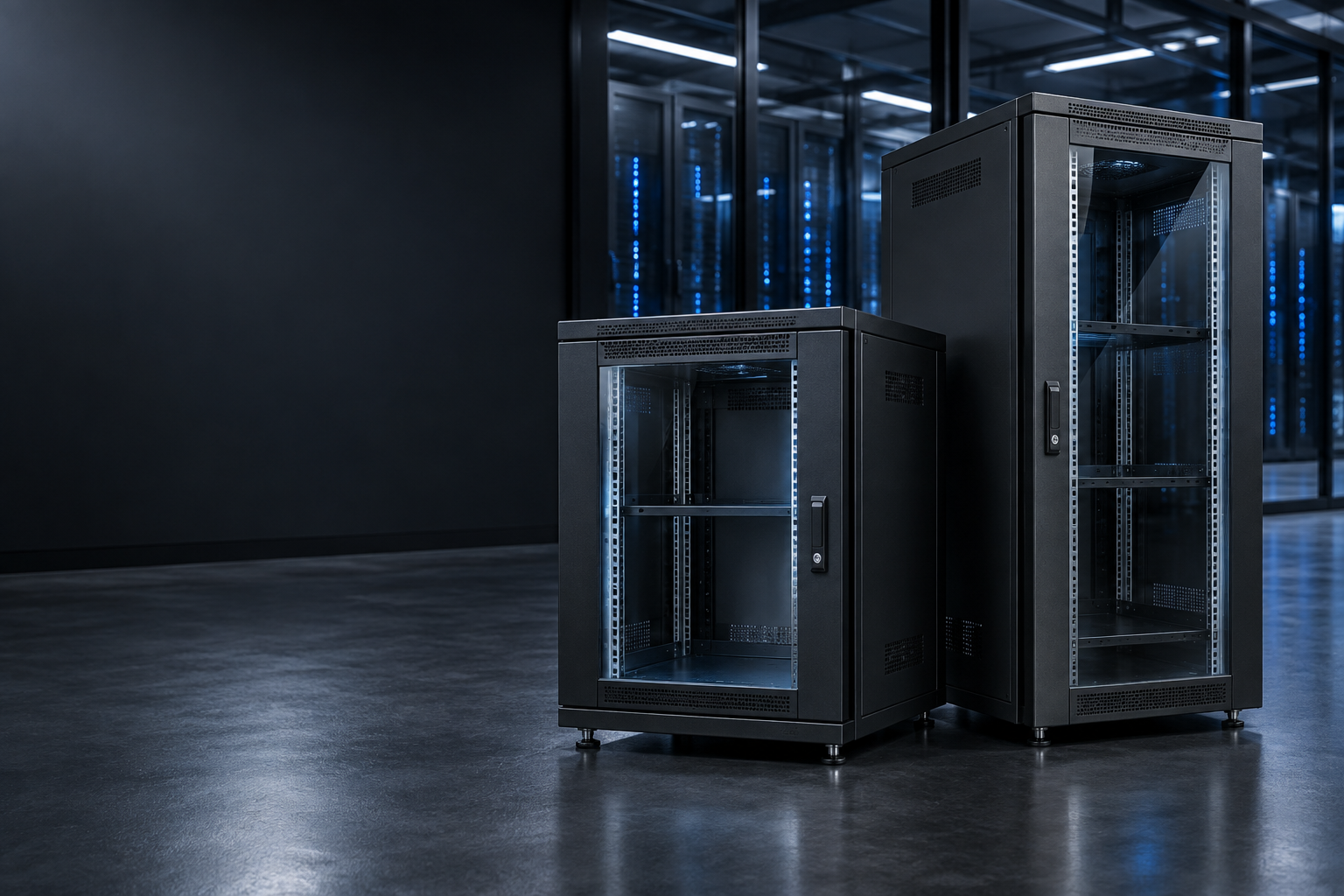
| Floor-standing server cabinet | Rack servers, larger UPS systems, active equipment and complete business networks | On a level floor, normally on levelling feet; castors for positioning | Depth, load rating, perforated doors, floor loading and anchoring |
| Floor-standing network cabinet | Patch panels, switches, routers, recording equipment and cable distribution | Communications room, office or patching area | Cable space, heat removal and access to front and rear |
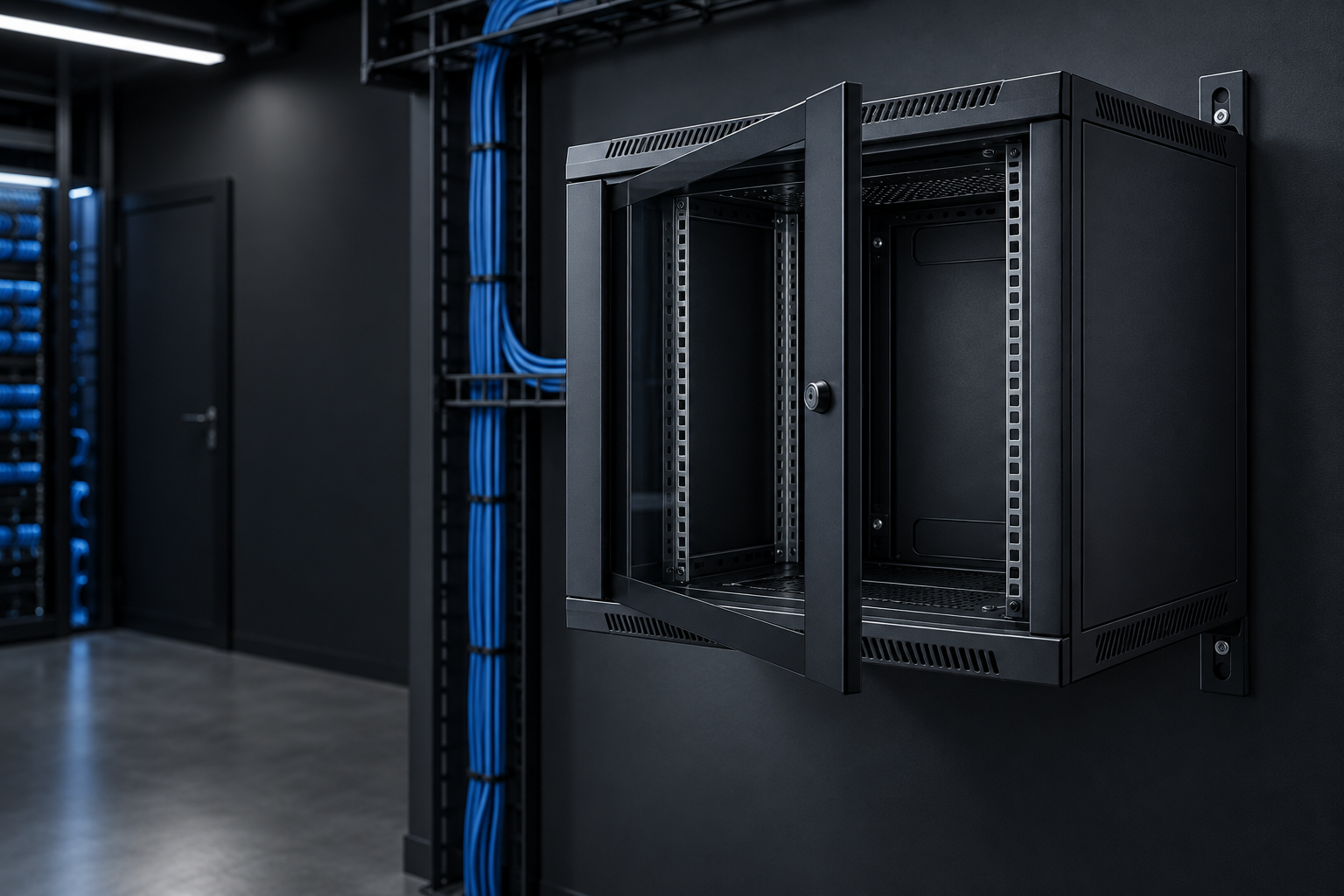
| Wall-mounted cabinet | Compact networks with patch panels, a switch, router or other light equipment | On a suitable load-bearing wall | Total depth and weight, wall construction and correct fixings |
| Mini or compact cabinet | Home networks, small router/switch systems, NVRs or compact 10/19 inch installations | Wall, furniture or floor, depending on the model | Rack standard, ventilation, shelf support and room for power supplies and cables |
2. What do 19 inch and rack units (U) mean?
“19 inch” describes the standard mounting width for rack equipment. A 19-inch front panel is 482.6 mm wide and fastens to the vertical mounting profiles. Available height is expressed in rack units: 1U equals 44.45 mm.
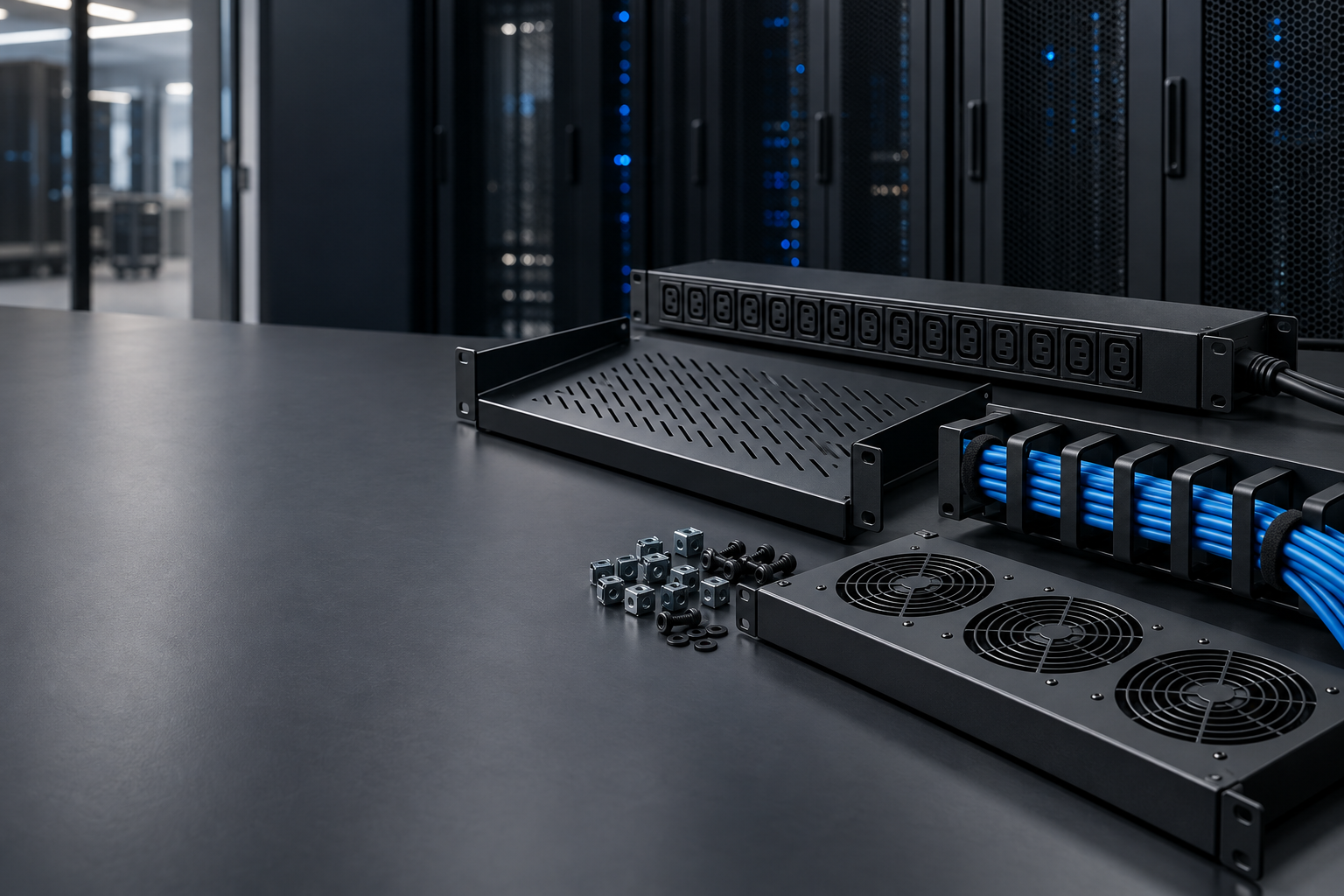
Record the U height of every item. Include shelves, horizontal PDUs, cable managers and blanking panels. Non-rack equipment normally requires a shelf; both the shelf and the clear height above it consume usable rack space.
| Component | Common height | Key check |
|---|---|---|
| Patch panel or switch | Often 1U | Ports and cable connections must remain accessible |
| Cable manager | Often 1U | Plan space next to patch panels and switches |
| Rack server | Often 1U–4U | Verify depth, weight and airflow direction |
| Rack UPS | Often 2U–4U | Heavy: install low and check rail or shelf support |
| Shelf with free-standing equipment | Shelf often 1U; equipment may need more clear height | Measure plugs, aerials and ventilation clearance |
3. Measure external and usable mounting depth correctly
The external depth is never fully usable. Doors, hinges, mounting profiles, airflow and cable space all consume depth. Always check the specified maximum usable mounting depth and the adjustment range of the front and rear mounting profiles.
- Measure the deepest device from the front of its mounting ears to the furthest point of the chassis.
- Include protruding handles, power connectors, SFP or network cables and the minimum cable bend radius.
- Check whether the equipment needs four-post rails and whether those rails fit the profile adjustment range.
- Keep additional service and ventilation clearance so cables do not press against the rear door.
4. Load capacity, weight distribution and supporting structure
Add the weight of all servers, UPS units, switches, shelves, PDUs, cabling and planned expansion. The stated cabinet rating applies under the manufacturer’s conditions and is usually a static, evenly distributed load. The permitted weight while moving a cabinet on castors may be lower.
- Install UPS units, battery modules and heavy servers as low as possible to keep the centre of gravity down.
- Distribute weight across suitable four-post rails or shelves, and do not exceed their individual ratings.
- For a wall cabinet, check the cabinet rating, wall construction, fixing points and chosen anchors.
- For a heavy floor installation, have the structural floor or raised floor checked for the resulting point load.
- Secure a tall or top-heavy cabinet against tipping, especially where equipment slides out on rails.
5. Cooling and cable management
Identify which devices generate heat and the direction in which their fans move air. Many servers and switches draw cool air at the front and exhaust warm air at the rear. The cabinet and room must therefore allow cool air to reach the front and warm air to escape behind or above the equipment.
- Doors: perforated doors support higher airflow. A glass door can be suitable for a low heat load when adequate inlet and exhaust paths are available.
- Fans: a fan only helps if air has a clear route. Extra fans without a proper inlet can add noise without solving the cause.
- Blanking panels: close unused U spaces and can reduce recirculation of hot exhaust air to the front.
- Cabling: separate mains and data where practical, respect bend radii and avoid bundles so tight that servicing becomes difficult.
- Management: label both ends, use horizontal and vertical guides, and keep a controlled service loop without obstructing airflow.
6. Positioning, access and anchoring
Measure the entire route to the final location, not only the room itself. Record the narrowest doorway, corridor, lift and turn, including thresholds and changes in level. Compare these measurements with the fully packaged cabinet and confirm that the pallet can be unloaded and moved safely.
7. Prepare for pallet delivery
Floor-standing cabinets are generally supplied assembled and secured to a pallet. The carrier arranges the delivery time in advance. Standard delivery is to the kerbside or the first accessible exterior door at ground-floor level; carrying inside, stairs and final positioning are not included.
- Confirm that a lorry can reach the address and report access restrictions in advance.
- Clear the unloading area and route, and arrange enough people or suitable handling equipment for internal movement.
- Make sure someone is present to inspect and sign for the shipment.
- Before unpacking, check the number of packages and their condition. Record visible damage on the delivery note and take photographs.
- Keep the packaging and pallet until the cabinet and accessories have been checked completely.
For rates, destinations, site access and transport damage, see Shipping and delivery.
8. Power distribution, PDU and UPS
Create a power schedule for all equipment and record both typical and maximum consumption. Choose a PDU with the correct connector types, enough outlets and a current rating comfortably above the calculated load. Also consider the available circuit, protective devices and any redundant power supplies.
- PDU: choose horizontal or vertical mounting according to available U and cable routing; check plug type, cable length and maximum current.
- UPS: verify capacity in watts and VA, required runtime, battery expansion, depth, weight and ventilation.
- Redundancy: dual-supply equipment can be divided across separate PDUs or power paths where the electrical design supports it.
- Safety: fixed or modified electrical installations should be installed and assessed by a suitably qualified electrician.
Visual guides
The diagrams below show why external and usable depth differ and how rack units, weight distribution and ventilation interact in one layout. Dimensions are examples; the product specification remains decisive for the selected cabinet.
Quick checklist before you order
Complete these eight points. If one answer is missing, it is often the detail that causes a problem during installation.
| Check | What should you record? |
|---|---|
| Equipment | Make/model, rack-mounted or free-standing, and any required shelves |
| Height | Total U plus approximately 20–30% expansion space |
| Depth | Deepest device including rails, connectors, cable bend and service clearance |
| Weight | Total for equipment, UPS, shelves, PDUs, cabling and planned additions |
| Cooling | Heat sources, airflow direction, door type and any fan units |
| Power | Watts/VA, connector types, number of outlets, circuit and required runtime |
| Location and route | Floor or wall, service clearance, narrowest doorway/lift/turn and unloading access |
| Future expansion | Expected extra switches, servers, patch panels, cabling and power outlets |
Frequently asked questions
Will a NAS fit in a 19-inch cabinet?
Yes, if it fits on a suitable shelf and the depth, weight, cable space and ventilation all work. A desktop NAS is not automatically rack-mountable.
How much spare U should I leave?
Approximately 20–30% is a practical starting point. Also reserve space in sensible positions for cable managers, airflow and servicing.
Glass or perforated door?
A glass door can suit low heat loads and offers clear visibility. For significant active or warm equipment, prioritise unrestricted airflow and a perforated design.
Do I always need fans?
No. It depends on heat output, room temperature and the natural airflow path. Measure temperature at several positions and correct the airflow route first.
Is an 800 mm wide cabinet better?
Not automatically. Extra width provides more room for vertical managers and large cable bundles; a compact installation may work perfectly in a 600 mm cabinet.
Can a heavy UPS go in a wall cabinet?
Only when the cabinet, shelf, wall and fixings are demonstrably rated for the load. If in doubt, a floor-standing cabinet with the UPS low down is safer.
Glossary
| Term | Meaning |
|---|---|
| U | A rack-height unit of 44.45 mm. |
| Mounting depth | The usable distance for equipment; it is not the same as the cabinet’s external depth. |
| PDU | Power Distribution Unit: distributes mains power inside the rack. |
| UPS | Uninterruptible Power Supply: provides backup power and, depending on type, power conditioning. |
| Blanking panel | A panel that closes an unused U position and can help control airflow. |
| Cage nut | A square clip-in nut used to fasten equipment to the mounting profiles. |
Still uncertain about the size or configuration?
Send us your equipment list, deepest dimension, total weight and a photograph of the installation area. That lets us give much more focused advice.
Read more on our blog
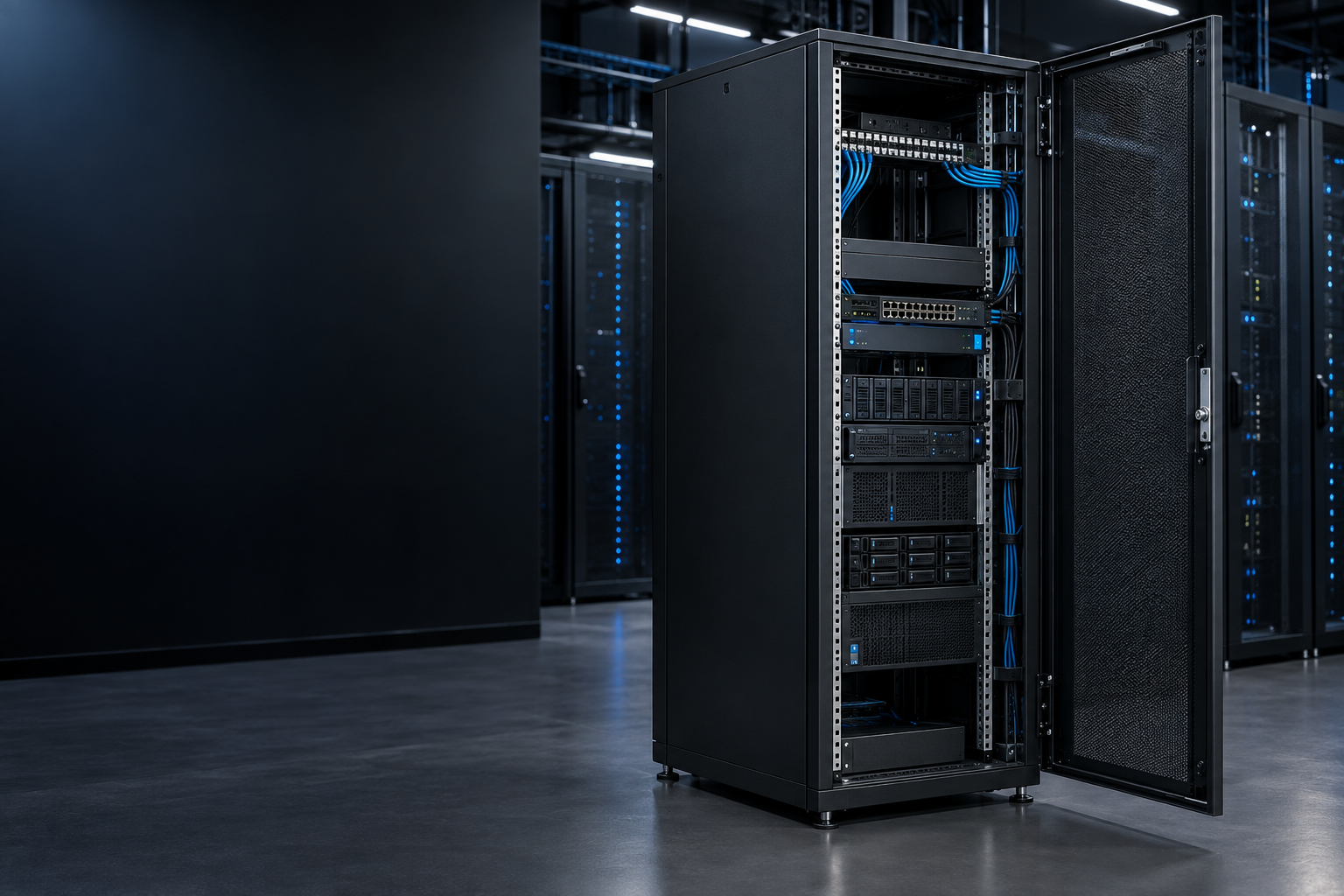
- 600mm Deep Server Cabinet: Best Equipment Uses and Buying Checklist
- How to Install a Floor Standing Server Cabinet: Clearances, Anchoring and Safety
- Do Wall Mounted Network Cabinets Need Ventilation?
- How Do You Organise Cables in a 19 Inch Network Cabinet?
- All articles: radanetworks.com/blog
 600mm Deep Server Cabinet: Best Equipment Uses and Buying Checklist
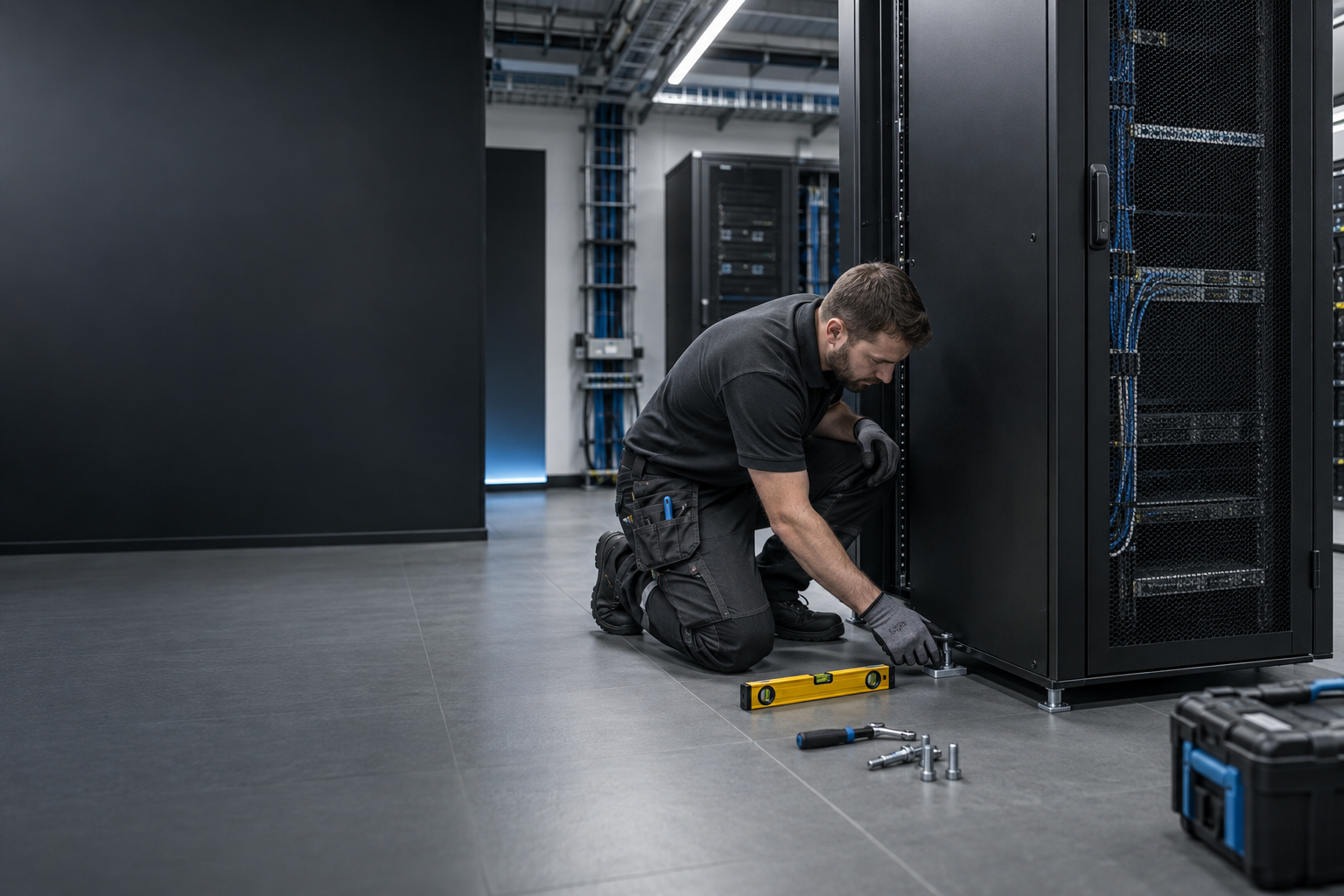 How to Install a Floor Standing Server Cabinet: Clearances, Anchoring and Safety
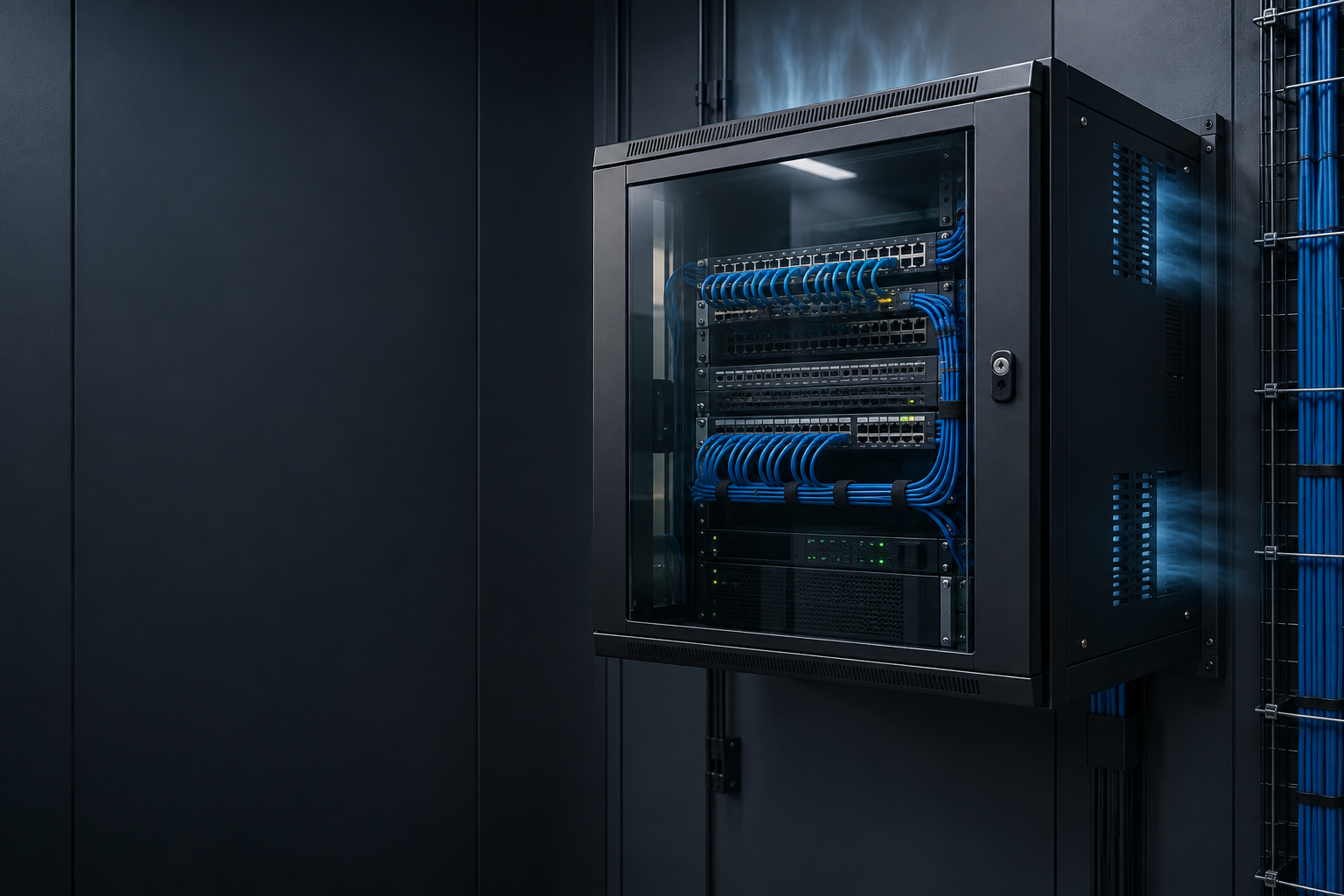 Do Wall Mounted Network Cabinets Need Ventilation?
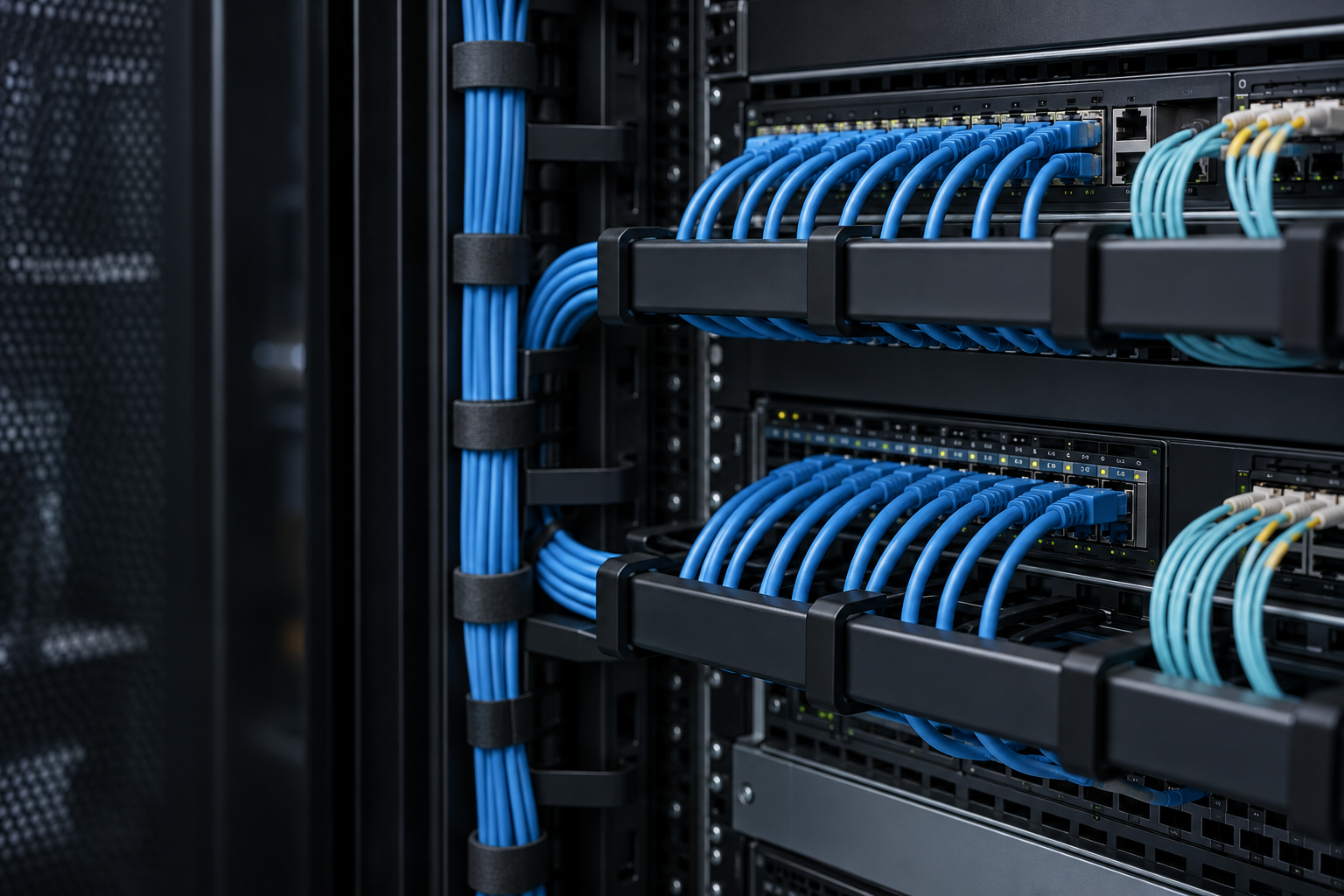 How Do You Organise Cables in a 19 Inch Network Cabinet?
Missing a topic? E-mail your question to info@radanetworks.com; there is a good chance we will write an article about it.