



Blog
How to Wire a Cat6 Patch Panel: T568A vs T568B for European Networks

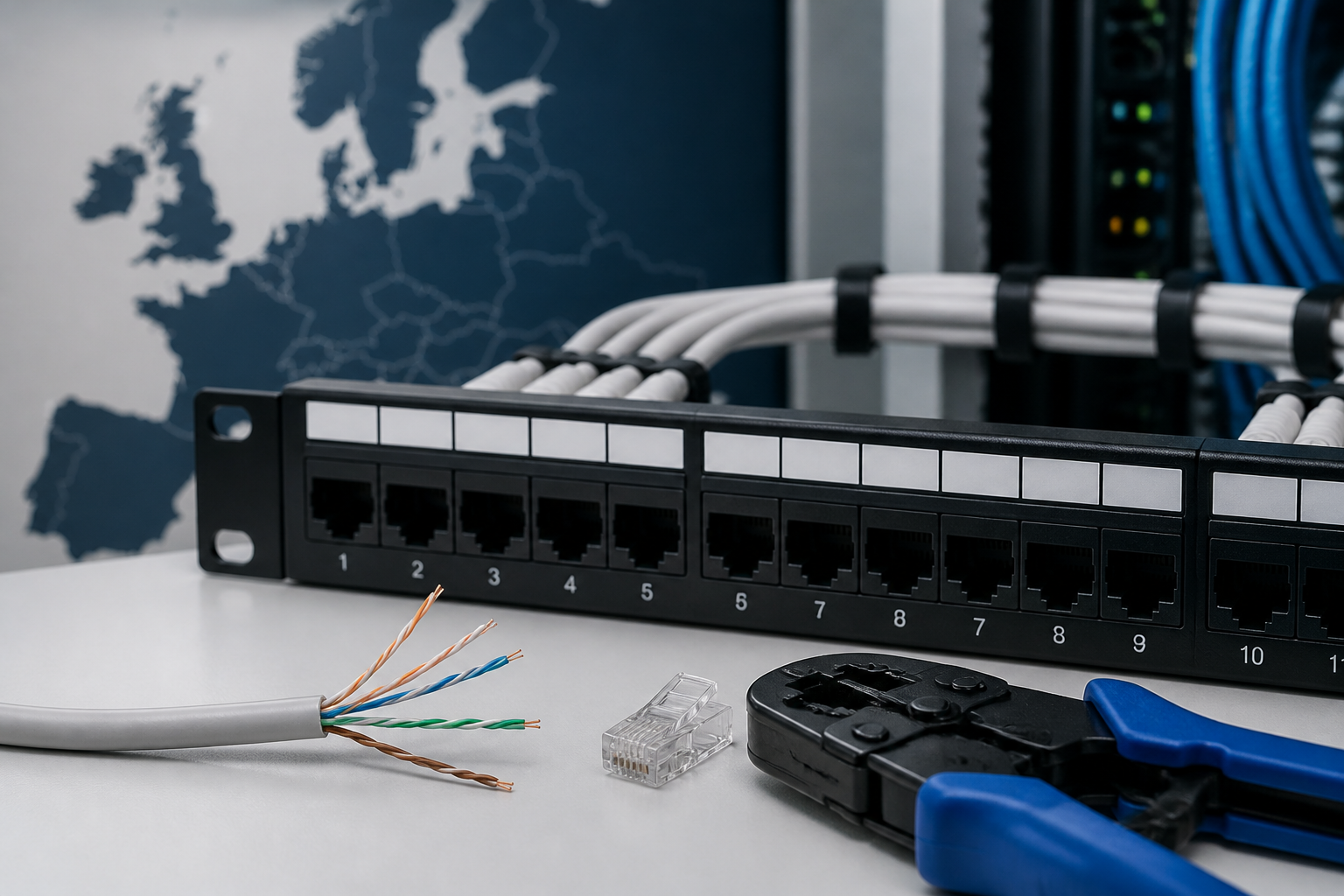
Direct answer: To wire a Cat6 patch panel, route each cable to the correct port, keep the pairs twisted as close to the termination as possible, and punch the conductors into the panel’s T568A or T568B colour-coded slots. Use the same wiring standard at the patch panel and the corresponding wall outlet or plug, then test every link with a suitable cable tester.
Cat6 patch panels provide a tidy, permanent termination point for Ethernet cables in a network cabinet. They make troubleshooting easier, protect horizontal cabling from repeated movement, and allow short patch leads to connect the installed cables to a switch. The wiring process is straightforward, but consistency matters more than choosing one colour scheme over the other.
How to wire a Cat6 patch panel: what you need
Before starting, confirm that the patch panel is designed for Cat6 solid-core installation cable and identify the termination style. Most panels use insulation displacement connectors (IDCs), often compatible with a 110-style or Krone-style punch-down tool. Follow the markings printed on the panel because terminal shapes and tool requirements can vary.
- Cat6 patch panel with clearly marked T568A and T568B terminals
- Cat6 solid-core Ethernet cable
- 110 or Krone-compatible punch-down tool, as specified by the panel manufacturer
- Cable stripper or jacket removal tool
- Flush cutters or side cutters
- Cable tester that checks all eight conductors
- Cable manager, hook-and-loop straps and labels
- Suitable patch leads for connecting the panel to the network switch
Work with the network equipment switched off or disconnected where practical. Although Ethernet cabling is low voltage, Power over Ethernet can be present on an installed link. Do not deliberately punch down or modify a cable while it is carrying power.
T568A vs T568B: which standard should you use?
T568A and T568B arrange the same four twisted pairs on the eight RJ45 positions, but the green and orange pairs exchange places. Both schemes support normal Ethernet operation when used consistently. The important rule is that the two ends of a permanent link should use the same scheme for a straight-through connection.
| Pin | T568A conductor | T568B conductor |
|---|---|---|
| 1 | White/green | White/orange |
| 2 | Green | Orange |
| 3 | White/orange | White/green |
| 4 | Blue | Blue |
| 5 | White/blue | White/blue |
| 6 | Orange | Green |
| 7 | White/brown | White/brown |
| 8 | Brown | Brown |
There is no universal rule that European installations must use T568A or T568B. In many existing commercial installations, T568B is encountered frequently, while a project specification, installer, client or structured cabling standard may require T568A. For an extension or repair, copy the scheme already used elsewhere in the installation. For a new installation, choose one scheme, document it, and use it at every outlet and patch-panel termination.
Practical rule: Never choose the colour scheme by mixing the A and B columns. Select either the complete T568A layout or the complete T568B layout and follow the same column from port to port.
Cat6 patch panel wiring: step-by-step
1. Plan the cable routes and port numbers
Decide which room outlet or data point will correspond to each patch-panel port. A simple numbering plan prevents confusion later. For example, label a cable from office outlet 01 as “01” at both ends and assign it to patch-panel port 01.
Route cables into the cabinet with enough service slack for future maintenance, but avoid large loose coils. Keep data cables away from sharp edges, excessive pressure and sources of electrical interference. Where data and power cables must cross, crossing them at approximately a right angle is preferable to running them closely in parallel for long distances.
2. Prepare the Cat6 cable
Cut the cable cleanly and leave enough length to reach the chosen port without strain. Remove only as much outer jacket as necessary to access the IDC terminals. Excessive jacket removal makes the cable harder to manage and can reduce protection against interference.
Separate the four pairs gently. Do not untwist more conductor length than the termination instructions allow. Maintaining the original twist near the IDC contacts helps preserve Cat6 performance and reduces the risk of excessive insertion loss or crosstalk.
3. Select the T568A or T568B markings
Look closely at the label beside the port. Patch panels commonly print both wiring options, with one set of colour markings on each side of the IDC block. Select the chosen standard and follow its markings for all eight conductors.
Do not assume the top colour row is T568B or T568A without checking the printed legend. Panel layouts differ, and reading the label is safer than relying on memory. If the panel includes removable labels, mark the selected scheme before terminating the first cable.
4. Place each conductor into its slot
Lay each wire into the matching IDC channel. For T568B, the sequence by pin is white/orange, orange, white/green, blue, white/blue, green, white/brown and brown. For T568A, it is white/green, green, white/orange, blue, white/blue, orange, white/brown and brown.
Keep the pair arrangement neat and avoid crossing conductors unnecessarily. The cable jacket should usually extend close to the termination area, while the pair twists should remain intact as near to the contacts as the panel allows. Check that every conductor is fully seated before punching down.
5. Punch down the conductors
Use the correct side of the punch-down tool so the cutting blade trims the spare wire on the appropriate side. Press the tool firmly and squarely into each IDC slot. A clean termination cuts off the excess conductor and leaves the wire secured in the contact.
Inspect the port after termination. Look for conductors that have not reached the bottom of the slot, loose strands, damaged insulation or a pair that has been placed in the wrong colour position. Do not repeatedly punch the same contact if the IDC has been damaged; follow the panel manufacturer’s instructions for correction or replacement.
6. Secure and label the cable
Attach the cable to the panel’s strain-relief bar or cable-management system if supplied. Use hook-and-loop straps rather than overtightened plastic ties, which can deform the cable and affect its performance. Add a durable label showing the cable identifier and destination.
Keep the bend radius within the cable manufacturer’s recommendation. Tight bends, crushed jackets and heavy bundles pressing on the terminations can cause intermittent faults that are difficult to diagnose.
Connecting the patch panel to a network switch
A patch panel is passive; it does not connect devices to the network by itself. Use short, factory-made Cat6 patch leads between the patch-panel ports and the corresponding switch ports. Choose patch leads with the correct length and connector type, and avoid leaving excessive cable hanging in front of the cabinet.
The permanent cable installed in walls or ceilings should normally be solid-core cable terminated on the patch panel and the wall outlet. Flexible stranded patch cable is designed for repeated movement and is better suited to short connections between the panel, switch and end device.
Testing a Cat6 patch panel installation
Test each completed cable before connecting it to active equipment. A basic wiremap tester can identify open conductors, shorts, reversed pairs, split pairs and incorrect pin order. Test from the relevant wall outlet to the matching patch-panel port using the tester’s remote unit and main unit.
- Wiremap: Confirms that pins 1 through 8 arrive in the expected order.
- Continuity: Confirms that each conductor forms a complete electrical path.
- Pair identification: Helps reveal split pairs, which may pass a basic continuity check but perform poorly at network speeds.
- Length: Helps identify unusually long runs or wiring mistakes.
- Performance certification: For demanding commercial projects, use a calibrated certification tester to verify the required Cat6 permanent-link limits.
If a link fails, start by comparing the patch-panel port with the outlet termination. Check for one misplaced green or orange conductor, an incompletely punched wire, excessive untwisting or a damaged patch lead. Test the permanent cable directly where possible to separate a cabling problem from a switch or patch-lead problem.
Common Cat6 patch panel wiring mistakes
Mixing T568A and T568B
Using A at one end and B at the other creates a crossover arrangement. Some modern network devices can compensate automatically, but relying on that feature makes the installation less predictable. Use the same scheme at both ends unless a deliberate crossover is specifically required.
Following the wrong panel legend
Because patch panels display both schemes, it is easy to place a conductor in the wrong row. Read the printed A or B label beside each terminal and check the complete pin sequence before punching down.
Untwisting too much cable
Cat6 performance depends on the geometry of the twisted pairs. Excessive untwisting near the IDC contacts can increase crosstalk and prevent the link from meeting its intended category performance.
Using solid-core cable as a patch lead
Solid-core installation cable is less flexible and is not intended for repeated bending at an RJ45 plug. Terminate it at the patch panel and outlet, then use suitable stranded patch leads for equipment connections.
Leaving cables unlabelled
Unlabelled cabling may work initially but becomes a maintenance problem. Label both ends with matching identifiers and keep a basic port schedule showing the destination of every cable.
Key takeaways
- Choose either T568A or T568B and use it consistently at both ends.
- European networks do not automatically require one scheme; follow the project specification or match the existing installation.
- Preserve pair twists, avoid crushing the cable and keep the jacket close to the termination.
- Use a compatible punch-down tool and inspect every IDC connection.
- Label and test each link before connecting network equipment.
Frequently asked questions
Is T568A or T568B better for a Cat6 patch panel?
Neither is inherently better for normal Ethernet when the same scheme is used at both ends. Choose the scheme required by the project documentation or match the existing cabling. Consistency, correct termination and testing are more important than the choice between A and B.
Can I use T568A at the patch panel and T568B at the wall outlet?
You can, but that creates a crossover pin arrangement. For a standard straight-through permanent link, use the same scheme at the patch panel and wall outlet. Only use different schemes when a deliberate crossover is required and documented.
Does a Cat6 patch panel need all eight wires?
Yes. Terminate all four twisted pairs and all eight conductors for a complete Cat6 link. Even if an older application uses fewer pairs, leaving conductors unused prevents the link from supporting the full capabilities expected from modern Ethernet installations.
How much of the Cat6 pair should I untwist?
Untwist only the amount needed to reach the IDC contacts, and follow the panel and cable manufacturer’s instructions. Keeping the twists close to the termination helps preserve signal integrity and reduces crosstalk.
Why does my tester show a split pair after wiring the panel?
A split pair usually means the individual conductors have continuity but the original twisted pairs were assigned incorrectly. Recheck the colour code at both ends, especially the green and orange pairs, and ensure that the conductors follow one complete T568A or T568B layout.
{“@context”:”https://schema.org”,”@type”:”FAQPage”,”mainEntity”:[{“@type”:”Question”,”name”:”Is T568A or T568B better for a Cat6 patch panel?”,”acceptedAnswer”:{“@type”:”Answer”,”text”:”Neither is inherently better for normal Ethernet when the same scheme is used at both ends. Choose the scheme required by the project documentation or match the existing cabling. Consistency, correct termination and testing are more important than the choice between A and B.”}},{“@type”:”Question”,”name”:”Can I use T568A at the patch panel and T568B at the wall outlet?”,”acceptedAnswer”:{“@type”:”Answer”,”text”:”You can, but that creates a crossover pin arrangement. For a standard straight-through permanent link, use the same scheme at the patch panel and wall outlet. Only use different schemes when a deliberate crossover is required and documented.”}},{“@type”:”Question”,”name”:”Does a Cat6 patch panel need all eight wires?”,”acceptedAnswer”:{“@type”:”Answer”,”text”:”Yes. Terminate all four twisted pairs and all eight conductors for a complete Cat6 link. Even if an older application uses fewer pairs, leaving conductors unused prevents the link from supporting the full capabilities expected from modern Ethernet installations.”}},{“@type”:”Question”,”name”:”How much of the Cat6 pair should I untwist?”,”acceptedAnswer”:{“@type”:”Answer”,”text”:”Untwist only the amount needed to reach the IDC contacts, and follow the panel and cable manufacturer’s instructions. Keeping the twists close to the termination helps preserve signal integrity and reduces crosstalk.”}},{“@type”:”Question”,”name”:”Why does my tester show a split pair after wiring the panel?”,”acceptedAnswer”:{“@type”:”Answer”,”text”:”A split pair usually means the individual conductors have continuity but the original twisted pairs were assigned incorrectly. Recheck the colour code at both ends, especially the green and orange pairs, and ensure that the conductors follow one complete T568A or T568B layout.”}}]}