



Blog
Server Cabinet Selection: Size, Type and Configuration

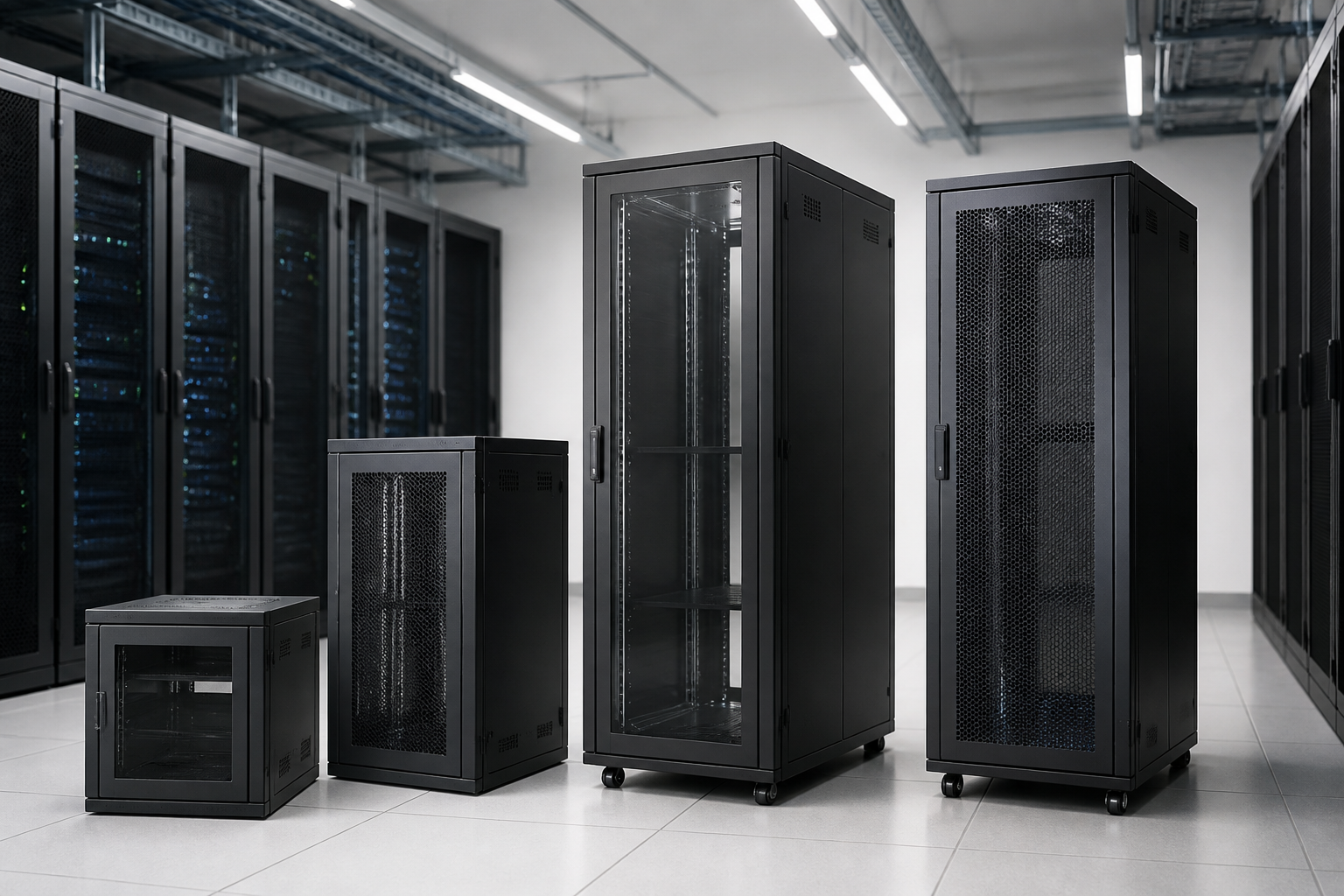
Choosing a server cabinet involves more than finding an enclosure that fits today’s equipment. The right server cabinet should support your current servers, switches, patch panels and power equipment while leaving enough space for airflow, cable routing, maintenance and future growth. By assessing size, type and configuration together, you can create a rack installation that is easier to manage and more suitable for its environment.
Start with the equipment, not the cabinet
Before comparing cabinets, make a list of every item that will be installed. Include rack servers, network switches, patch panels, power distribution equipment, shelves, cable managers and any other rack-mounted hardware. Equipment that is not rack-mounted may still affect the required space, ventilation or access around the enclosure.
For each item, record its rack height, installation depth, weight and connection requirements. Rack height is normally expressed in rack units, or U. One rack unit represents a standard vertical increment in a 19-inch rack. Adding the height of all equipment gives you a starting point, but it should not be treated as the final cabinet size.
Leave additional rack space for cable management, blanking panels, equipment changes and future additions. A cabinet filled from top to bottom can be difficult to service and may restrict airflow. A modest amount of spare capacity can make a major difference over the working life of the installation.
For a broader planning checklist, see how to choose the right server cabinet for your business.
How to choose the right server cabinet size
Rack height
Rack height determines how much equipment can be mounted vertically. Compact installations may need only a small enclosure, while server rooms and data areas often require a taller floor-standing cabinet. The best choice depends on both the equipment list and the expected expansion plan.
Measure the required rack units and then add practical overhead. Allow room for equipment that may be added later, horizontal cable management, power distribution and changes to the layout. If the cabinet will house a mixture of servers and network equipment, check that the proposed arrangement leaves accessible cable paths between them.
Usable depth
Depth is one of the most important measurements because a device must fit between the front and rear mounting rails, not simply inside the external cabinet dimensions. Compare the depth of the deepest equipment with the cabinet’s usable mounting depth. Also allow space behind the equipment for power plugs, network connectors, bend radius and cable management.
Do not forget equipment with rear connections or rails that extend beyond the main chassis. A cabinet that technically accommodates the hardware may still be unsuitable if cables are tightly bent or the rear door cannot close. When measurements are uncertain, use the equipment manufacturer’s installation information rather than relying on the device name alone.
External footprint and access
Check the cabinet’s external width and depth against the room, corridor, doorway and final installation position. Include space for opening front and rear doors, removing side panels and carrying out maintenance. In a restricted room, a cabinet that fits on paper may be difficult to use safely once doors and working clearances are considered.
Also assess floor loading, route to the installation area and whether the cabinet must be moved after it is assembled. These practical details can influence whether a compact wall-mounted enclosure, a floor-standing cabinet or another rack solution is appropriate.
Select the cabinet type for its environment
Floor-standing cabinets
Floor-standing cabinets are generally suited to larger installations, multiple rack-mounted devices and environments where equipment may expand over time. They provide vertical capacity and can support organised front-to-back installation, cable management and access from both sides when the layout permits.
They are commonly considered for server rooms, communications areas and dedicated infrastructure spaces. Before choosing one, confirm that the floor, access route and available working area suit the cabinet’s dimensions and loaded condition.
Wall-mounted cabinets
Wall-mounted cabinets can be useful where floor space is limited or where the installation mainly contains network switches, patch panels and compact equipment. They can keep infrastructure off the floor and close to the point of use, but the wall and fixing method must be suitable for the installed load.
Consider how the cabinet will be opened and serviced. A wall-mounted enclosure should provide enough access for patching, power connections and routine maintenance without forcing technicians to work in an awkward position.
Enclosed, open or partially open designs
An enclosed cabinet can help control physical access, protect equipment from accidental contact and give the installation a more finished appearance. Front and rear doors, side panels and locks may be valuable in shared or publicly accessible areas.
Open-frame arrangements can provide easy access and may suit controlled technical rooms, test environments or equipment that requires frequent changes. However, they offer less physical protection and may be less suitable where dust, security or appearance is a concern. The choice should reflect the room, the people who can access it and the level of environmental control available.
If you are comparing different enclosure approaches, the guide to server cabinets and alternative rack solutions can help clarify the trade-offs.
Configuration features that affect daily use
Mounting rails and adjustment
Adjustable front and rear mounting rails make it easier to position equipment with different depths. Confirm that the rail system is compatible with the equipment and that there is sufficient room to attach cage nuts, rails or other mounting hardware. Clear rack-unit markings can also make installation and future changes faster.
Doors, side panels and service access
Think about how technicians will reach the equipment. Removable side panels can help with installation and maintenance, while split or reversible doors may be useful in confined spaces. Door perforation and the overall airflow design should also be considered alongside the cooling needs of the installed equipment.
Airflow and thermal management
Servers and network hardware generate heat, so cabinet selection should support the intended airflow path. Avoid blocking vents with poorly routed cables or unused equipment. Use blanking panels where appropriate to reduce uncontrolled air circulation inside the rack, and consider whether the room’s cooling system can handle the expected heat output.
A cabinet is part of the thermal design rather than a replacement for room cooling. If equipment has demanding cooling requirements, review the complete installation, including front-to-rear airflow direction, rear clearance, fan options and the position of the cabinet in the room.
Cable management and power distribution
Good cable management improves airflow, labelling and fault finding. Look for practical routes for vertical and horizontal cable management, as well as ways to separate power and data cables where the installation requires it. Leave enough slack for equipment removal without creating loops that obstruct doors or vents.
Plan power distribution at the same time as the cabinet. Check where power distribution units will be mounted, how plugs will be accessed and whether the available outlets support the equipment layout. A neat power plan helps prevent overloaded or inaccessible connections later.
Security and physical stability
Where equipment is installed in a shared area, lockable doors and panels can help limit unauthorised access. For floor-standing cabinets, consider stability, levelling and the method used to move or secure the enclosure. Loaded equipment can be difficult to reposition, so the final location and installation sequence should be planned in advance.
Build a configuration that can evolve
A useful cabinet layout balances density with serviceability. Place heavier equipment in a stable lower position where practical, keep frequently accessed network connections easy to reach and avoid creating unnecessary gaps between devices and their cable paths. Group related equipment logically, but preserve enough room to remove one device without dismantling the entire installation.
Document the rack layout, cable destinations and power connections once the installation is complete. Clear labelling and a simple rack diagram reduce troubleshooting time and make future expansion more predictable. For installations centred on switches and patching, review the available network cabinet options for different spaces.
A practical server cabinet selection checklist
- List every current rack-mounted device and its rack height.
- Measure equipment depth, including rails, connectors and rear cable space.
- Add spare rack capacity for growth, cable management and maintenance.
- Check the cabinet footprint, doorway route and front and rear working space.
- Choose floor-standing, wall-mounted, enclosed or open construction according to the environment.
- Review rail adjustment, door access, side panels and lock requirements.
- Plan airflow, room cooling, blanking panels and cable routes together.
- Confirm power distribution, equipment weight and floor or wall suitability.
- Consider how the cabinet will be serviced, expanded and documented over time.
Choose with the whole installation in mind
The most suitable server cabinet is the one that fits the equipment, the room and the way the infrastructure will be operated. Accurate measurements are essential, but long-term usability depends equally on airflow, access, cable management, power planning and expansion capacity.
RADA Networks provides server cabinets and rack infrastructure for a range of professional installations. Explore RADA Networks’ server cabinet solutions and use your equipment list and site measurements to identify a configuration that supports your network today and tomorrow.
2 thoughts on “Server Cabinet Selection: Size, Type and Configuration”
Comments are closed.